
Troubleshooting Sticky or Incomplete Resin Prints: Common Fixes

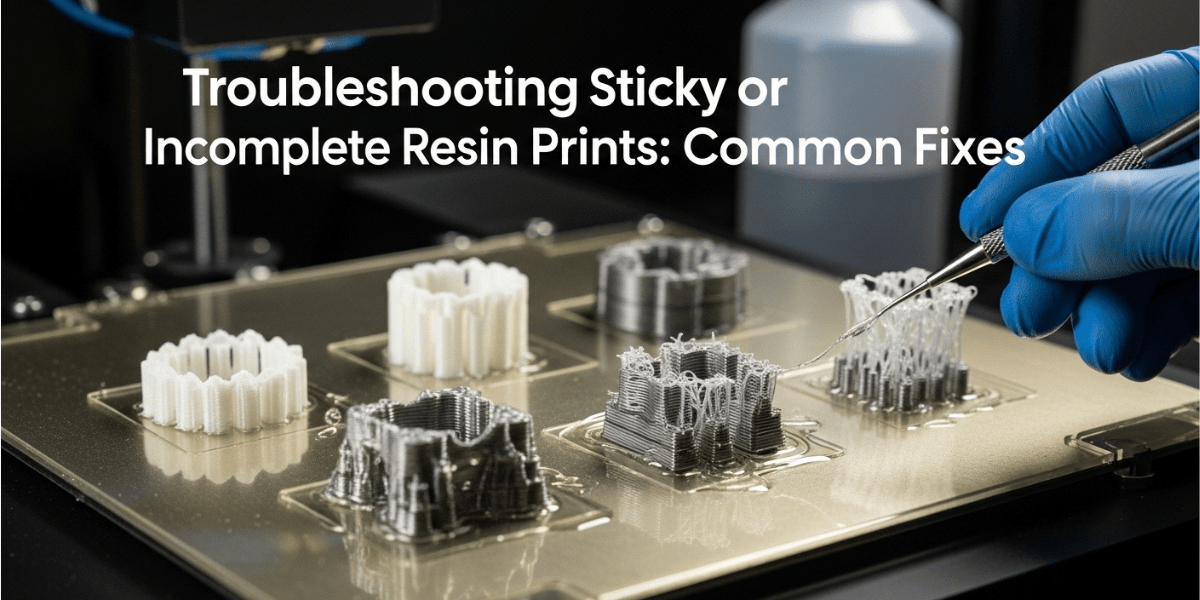
Resin 3D printing delivers incredible detail, but even the best printers can run into issues like sticky surfaces, soft textures, or incomplete prints. These problems are common and usually easy to fix once you understand the root cause. In this guide, MCast explains why sticky or unfinished resin prints happen and how you can solve them quickly to get smooth, perfect results every time. If you’re looking for the best printing equipment, you can always explore our recommended 3D Printers Store in Pakistan for reliable machines and accessories
1. Sticky Prints After Washing
If your print feels tacky even after cleaning, it’s usually because the resin hasn’t been fully removed or cured.
Fixes
- Use fresh, clean IPA or resin cleaner for washing.
- Increase wash time, especially for complex models.
- After washing, expose the print to UV light until the surface feels completely dry and solid.
- Avoid touching the print before curing because oil from fingers adds stickiness.
2. Incomplete Layers or Missing Details
Missing sections, weak walls, or half-printed models usually mean the resin didn’t cure properly during printing.
Fixes
- Make sure the build plate is fully leveled before starting a print.
- Increase bottom exposure time so the base layers bond strongly.
- Check if your FEP film is cloudy, damaged, or too loose. Replace if needed.
- Ensure the resin is properly mixed. Shake the bottle before pouring, and stir the vat gently before printing.
3. Prints Separating from the Build Plate
If the model doesn’t stick fully to the build plate, it will result in incomplete or floating pieces.
Fixes
- Increase bottom layers and bottom exposure time.
- Lightly sand the build plate for improved adhesion.
- Confirm that the plate is tightened securely and leveled correctly.
- Keep the printer in a stable temperature environment because cold resin reduces adhesion.
4. Over- or Under-Curing During Printing
Incorrect exposure settings can cause sticky surfaces, brittle edges, or under-developed details.
Fixes
- Use exposure settings recommended by your resin manufacturer.
- Test exposure times with an exposure test file before printing large models.
- Avoid using very old resin, as it cures unpredictably.
5. Residue or Uncured Resin Trapped in Details
Models with deep crevices often trap resin that stays sticky after printing.
Fixes
- Use a soft brush during washing to remove resin from tight areas.
- Add drain holes if printing hollow models.
- Cure the print at different angles to ensure all surfaces get UV exposure.
Final Thoughts
Sticky or incomplete resin prints can be frustrating, but most issues have simple fixes. By keeping your printer well-maintained, using correct exposure settings, and following proper washing and curing steps, you can achieve clean, sharp, professional-level results with your MCast resin printer. And when you need high-quality machines, tools, or materials, don’t forget to explore the best 3D Printers Store in Pakistan to upgrade your printing setup with confidence.